
Access the Demo EHR (Stratus).
- Stratus EHR Link: https://stratus-acf53.web.app/login
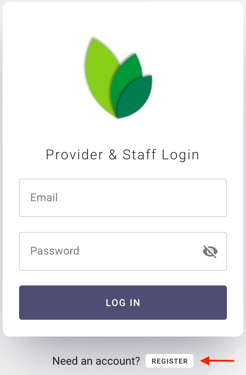
- Below the login tile, click Register to create a new user.
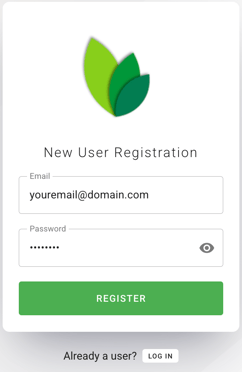
- Enter the username and password you wish to create and click Register.
In order to demo your app out of Stratus:
- Bridge must be installed on your computer.
- See Bridge Installation Instructions for assistance.
- The user's email domain must be pre-provisioned in order for Bridge to deliver the correct app to the user when they log in.
- Reach out to the Arrowhealth team if you need assistance provisioning an email domain.